What Is the Vexle Flag Game?
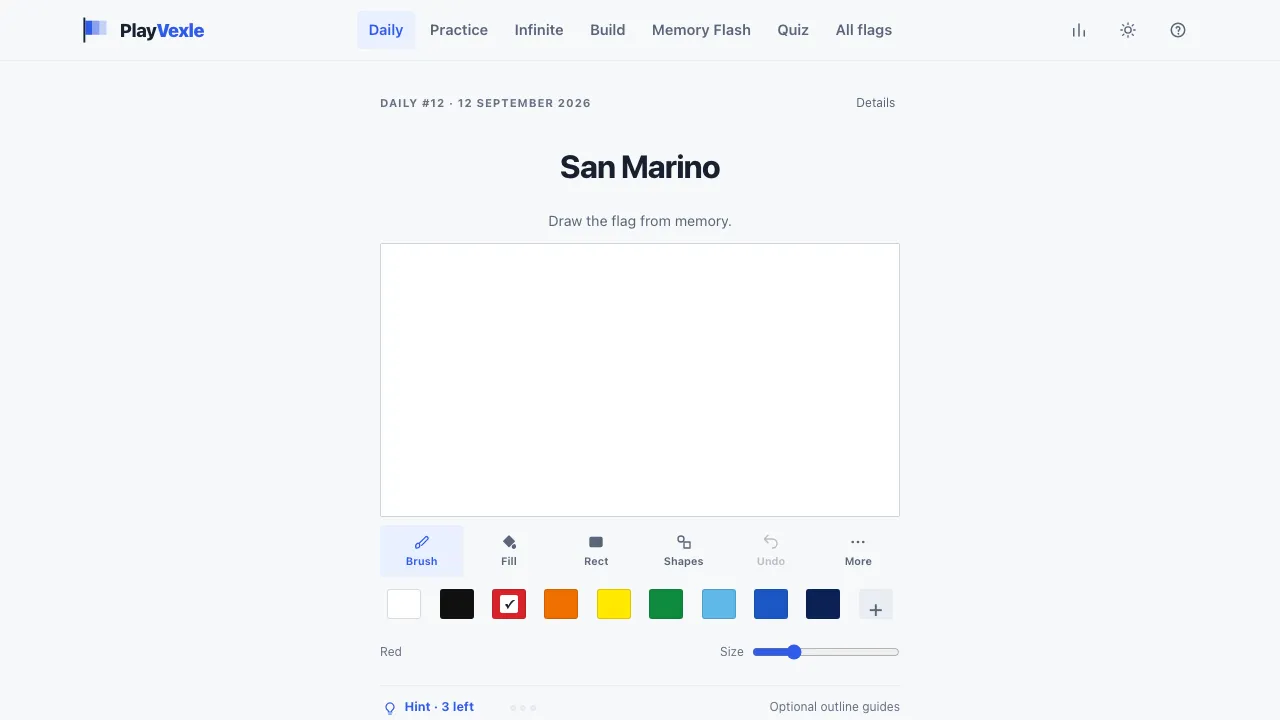
Vexle is a browser-based geography game on PlayVexle that tests whether you can actually recreate national flags from memory. Instead of showing you a flag and asking you to name the country, Vexle reverses the usual flag-quiz format. You are given the country name and a blank canvas. Your job is to remember the flag's colors, arrangement, shapes, and important symbols well enough to draw it yourself. Once you are satisfied with your attempt, select Reveal & Score. Vexle reveals the real flag, compares it with your drawing, and gives you a score out of 100. The main Daily Flag challenge gives everyone the same country each day. A new daily flag arrives at midnight UTC, and finishing consecutive daily challenges builds your streak. PlayVexle also includes several additional ways to play, including Practice, Vexle Infinite, Memory Flash, Build, Flag Quiz, an Archive of previous daily challenges, and individual challenges for all 194 available flags.
How Vexle Scoring Works
Vexle is designed as a memory game rather than an art contest, so you do not need to create a pixel-perfect illustration. Your score is divided into three parts: - Color — 70%: The most important part of your score. The game checks whether the correct colors appear in the correct parts of the flag. Slightly imperfect shades are tolerated, but putting blue where red belongs will hurt your result. - Layout — 20%: Checks whether stripes, blocks, crosses, circles, and other major sections are positioned correctly. Small placement errors have some tolerance. - Detail — 10%: Covers stars, emblems, crests, and other finer elements. These matter, but deliberately contribute less than the basic color structure. That scoring system changes how you should approach a flag. A slightly uneven French tricolor can still score extremely well if the blue, white, and red sections are in the correct order. Using the correct three colors in the wrong order is a much bigger mistake.
How to Play Vexle
- Read the country name. Vexle gives you the country but does not show its flag. Think about the overall design before touching the canvas.
- Draw the main color regions. Use tools such as Fill, Rectangle, Circle, Line, Star, and Brush to recreate the flag. Start with large backgrounds and stripes rather than tiny details.
- Add important shapes or symbols. If you remember a circle, star, cross, triangle, or emblem, place it approximately where it belongs. You can also use outline hints when you are stuck.
- Choose Reveal & Score. The real flag appears and Vexle scores your drawing for color, layout, and detail so you can immediately see what you remembered correctly.
Hints and Drawing Tools
If a flag completely escapes you, Vexle offers up to three outline hints. These gradually trace the real flag's shapes without revealing its colors, starting with the major structure and moving toward smaller details. Using a hint does not directly reduce your score, although your result records how many hints you used. Simpler flags may require fewer available hints because there is less structure to reveal. The drawing tools are built around flag construction rather than freehand artwork. Useful tools include: - Fill for large areas of one color - Rectangle for stripes and blocks - Circle for discs and circular emblems - Line for simple divisions - Star for flags containing prominent stars - Brush for less regular shapes - Eraser, undo, redo, and clear controls for corrections Keyboard shortcuts are also available for several tools, including B for Brush, F for Fill, R for Rectangle, C for Circle, L for Line, S for Star, and E for Eraser.
Other Ways to Play on PlayVexle
The daily challenge is only one part of the site. Practice Practice mode lets you choose from all 194 flags and play without the one-per-day restriction. Flags can be explored by factors such as continent and difficulty, making this the better option if you want to actively learn flags rather than wait for the next daily challenge. Vexle Infinite Infinite mode turns the concept into an ongoing run. You draw flag after flag while the game tracks results such as your average score and how many flags you can keep above a target score in succession. Memory Flash Memory Flash changes the challenge by briefly showing you the actual flag before hiding it. Depending on the difficulty, you may see the flag for five, three, or just one second before being asked to reproduce it from memory. Build Build removes the drawing requirement. Instead, you try to reconstruct a flag's layout and colors within six guesses. It is useful for players who like the flag-memory concept but prefer a more structured puzzle. Flag Quiz Flag Quiz uses a more traditional recognition format: identify flags from four possible answers across a ten-flag round. The incorrect choices are selected from flags that players are likely to confuse with the correct answer. Archive and All Flags The Archive lets you revisit previous Daily Flag challenges without affecting your current daily streak. You can also browse the site's full collection and select a specific country whenever you want to practice its flag.
Tips & strategy
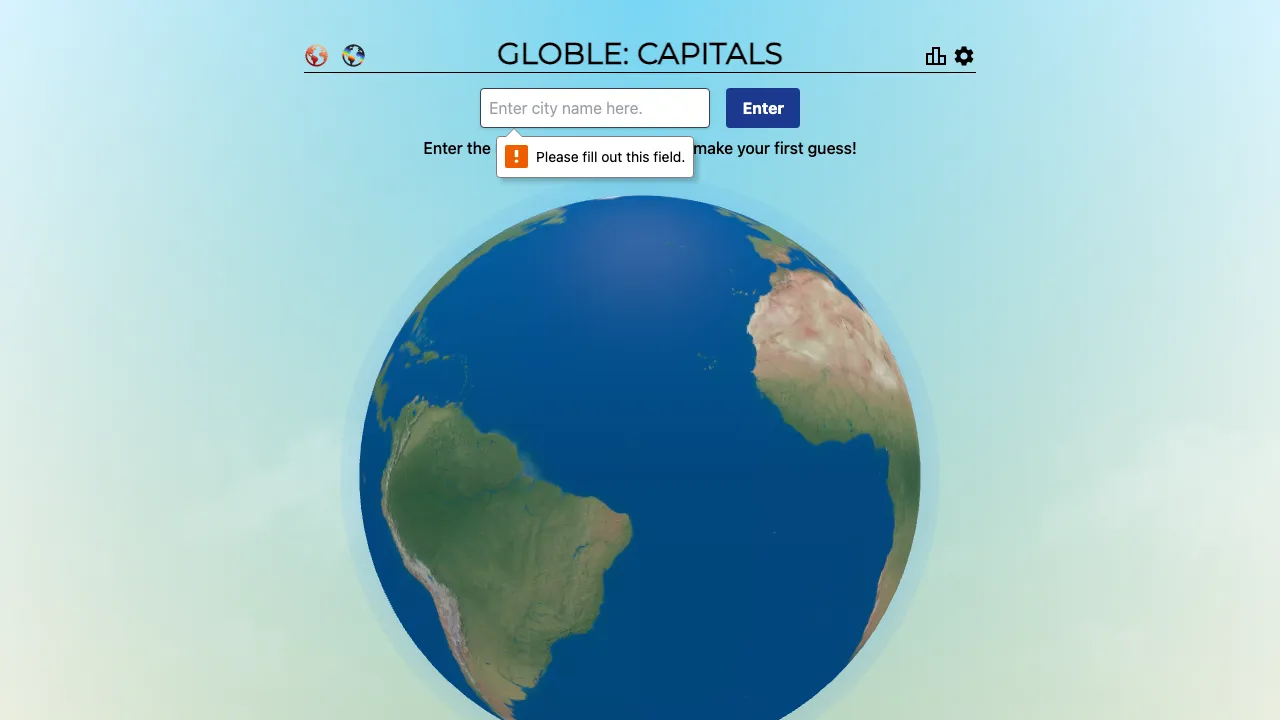
Guess a country far from your first attempt to triangulate — the distance and direction hints narrow the map fast.